NOAH Wallet
Displays supported balances and provides controls for transfers.
Networks
Transfer supported stablecoins on decentralized networks.
Verify that the destination supports the selected asset and network.
Core concepts
NOAH Wallet provides the interface for supported balances and transfers. Stablecoins are digital assets designed to track a currency. Decentralized networks process and record compatible transactions. The destination must support the selected asset and network.
Displays supported balances and provides controls for transfers.
A digital token designed to track a currency, such as USDC.
Processes compatible transfers and records them on a blockchain.
Must support the same asset and network to receive the transfer.
Routing
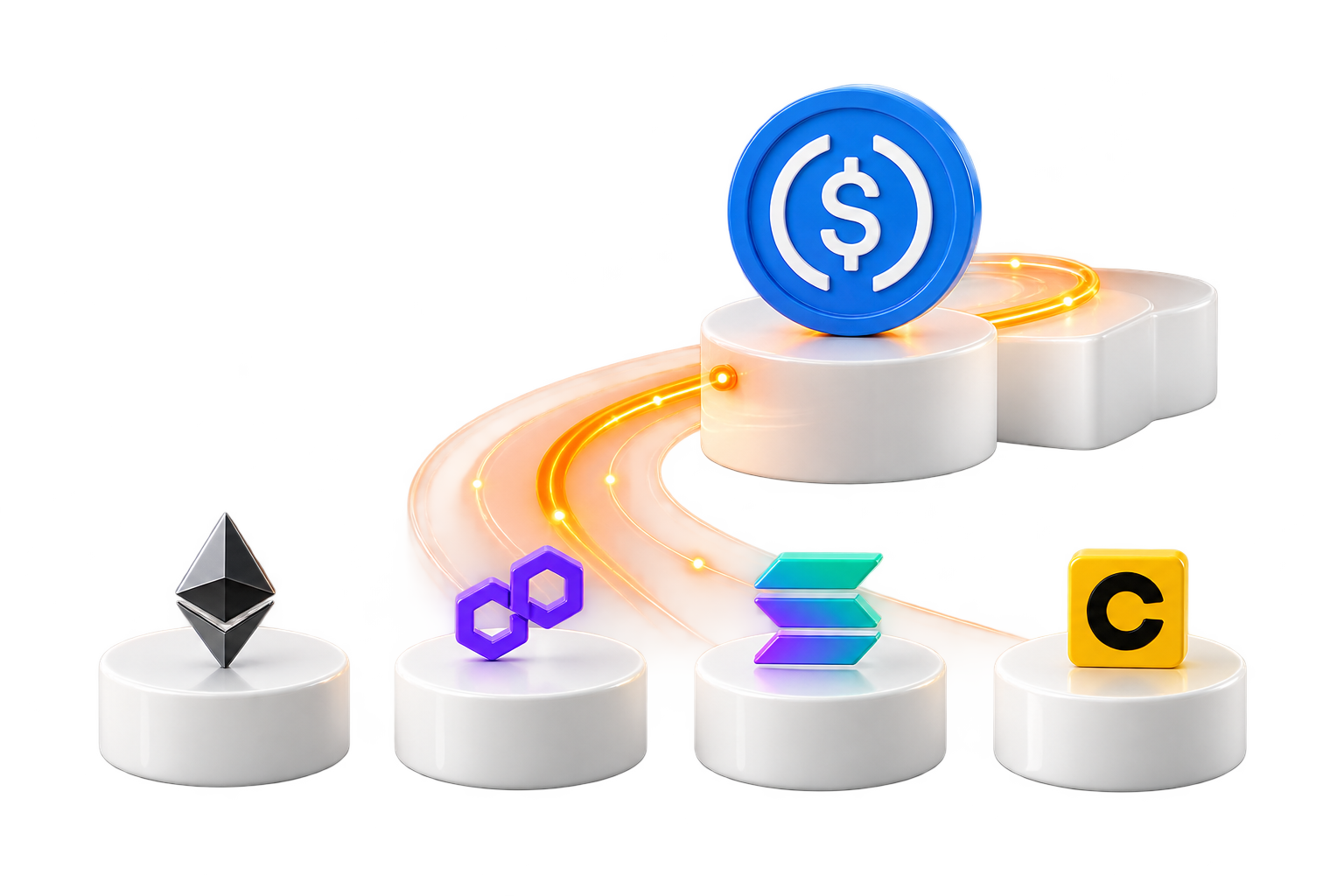
The same stablecoin can exist on several supported networks. USDC is shown here across Ethereum, Polygon, Solana and Celo.
Each network has its own address requirements and behaviour. An address on one network may not work on another — the asset and the network have to match.
Select a network to explore the example route.
DestinationSame assetUSDC → Polygon → compatible destination
Illustrative route. Check current availability in the app.
Guide
A decentralized blockchain network uses distributed participants to process transactions and maintain a shared record.
Each network has its own transaction rules, fees and confirmation process. Select a compatible network alongside the asset in the wallet.

The selected network determines how a transfer is processed. Incompatible asset or network details may prevent the destination from receiving it.

Not every asset is available on every network. Use the combinations offered in NOAH Wallet. If a combination isn’t offered in the app, treat it as unsupported.
Supported options can change. Check the app and verify both the asset and the network together.
When you share or use a stablecoin address, review it completely.
0 / 4 checked. Confirmed transfers may not be reversible.
Responsibility
NOAH provides the application and supported services. The underlying decentralized network processes blockchain transactions under its own protocol rules.

In the app
Select the asset and network, then share the matching receiving details with the sender.
You confirm the details of each transfer before any asset moves.
Read the safety guideUse the same asset and network.Selected example: USDC on Polygon.
Interactive demo. These details cannot receive funds.